Biblical Numbers
333 Biblical Meaning: What the Bible Says About 333
Is 333 in the Bible? The honest answer, what the number 3 means in Scripture, and the best 3:33 and 33:3 verses to read when you keep seeing 3:33.
Yelmu gives honest, Scripture-first answers to the questions people actually search: what a number means in the Bible, what a dream might be pointing to, whether a sign is biblical, and how to pray when life is heavy. We quote the verses, explain the context, and tell you plainly where Scripture ends and folk belief begins.
What numbers like 3, 7, 12, 40, 111, 444 and 777 mean in Scripture, with the verses behind each — and what the Bible does not say about them.
Is 333 in the Bible? The honest answer, what the number 3 means in Scripture, and the best 3:33 and 33:3 verses to read when you keep seeing 3:33.
Is 111 in the Bible? The honest answer, what the number one means in Scripture, Psalm 111, and the best 1:1 and 11:1 verses to read when you see 1:11.
Is 444 in the Bible? The honest answer, what the number 4 means in Scripture, and five encouraging "4:4" verses to read when you keep seeing 4:44.
Common dreams explained through a biblical lens — snakes, water, teeth falling out and more — with the verses behind each meaning, tested against Scripture.

What does dreaming of a deceased loved one mean biblically? What Scripture says, common dreams about a dead parent or spouse explained, and comfort for grief.

What does it mean to dream about snakes, biblically? What snakes symbolize in Scripture, 9 common snake dreams explained, and how to weigh a dream wisely.

What does a dream about teeth falling out mean, biblically? What Scripture says about teeth, the most likely meanings, and verses for the worries behind it.
Cardinals, colors and everyday signs people ask about: what the Bible really teaches about each one, and where popular folk belief begins.

Is a cardinal a sign from heaven or a loved one? What the Bible says about birds and the color red, where the cardinal belief comes from, and true comfort.
The parables of Jesus explained: each story's Bible verses, setting, meaning and lessons for today, plus complete lists of all 38 parables.

All 38 parables of Jesus in the order He told them, with the Matthew, Mark and Luke passages for each, where He told them, and who He was speaking to.
The parable of the hidden treasure in Matthew 13:44 explained: the verse, what the treasure and field mean, two main interpretations, and lessons for today.
The parable of the lost sheep in Luke 15:3–7 and Matthew 18:12–14 explained: both passages, what the shepherd and the 99 mean, and lessons for today.
Practical Bible study tools: chapter and verse counts, who wrote each book, chapter-by-chapter summaries, reading plans and Bible games for groups.
Where is the Christmas story in the Bible? It's in Matthew 1–2 and Luke 1–2. See every passage, a timeline, the prophecies fulfilled and how to read it.
Short, clear Exodus chapter summaries for all 40 chapters, with a key verse for each, an outline of the book, the ten plagues and where Exodus points to Jesus.
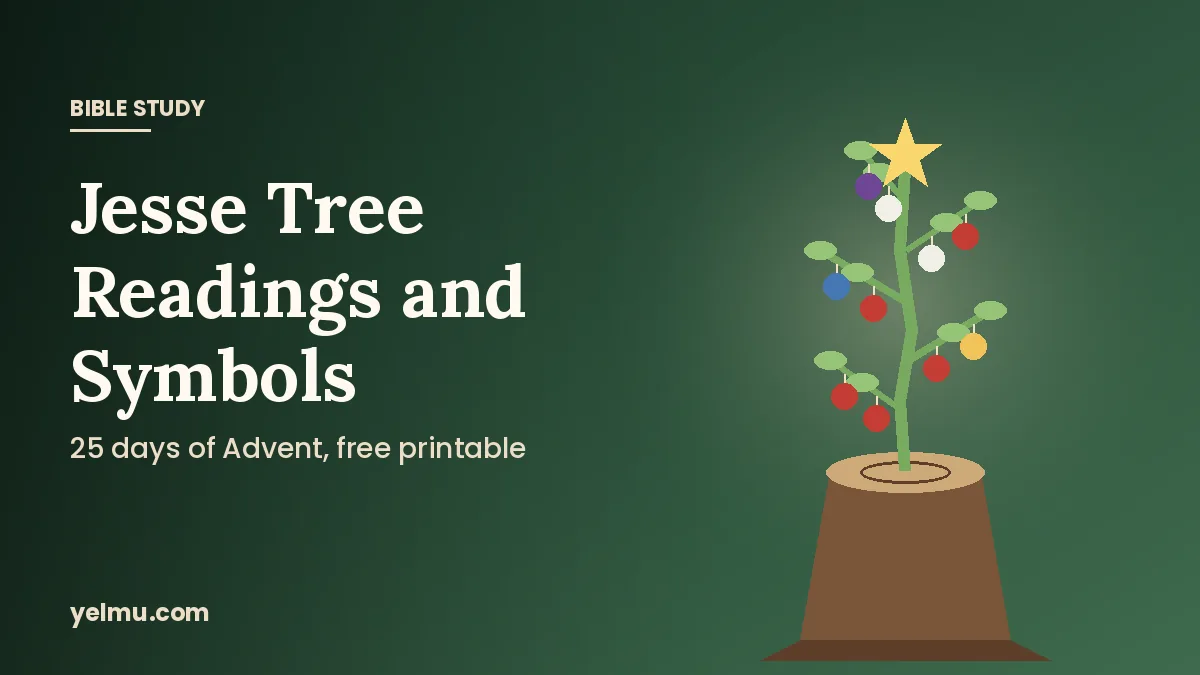
Complete Jesse Tree readings for December 1–25 with the symbol and meaning for each day, how to make your own Jesse Tree, and free printable ornaments.
Original, heartfelt prayers for family, health, surgery and daily life, each one paired with the Bible verses behind it, ready to pray or share.

10 short prayers for traveling mercies and safe travel: for road trips, flying, holiday travel, kids and loved ones on the road, plus Bible verses to pray.
15 short Thanksgiving prayers for family dinner: quick blessings before the meal, prayers for kids and hard seasons, plus Bible verses and printable cards.
Seven short morning prayers for your family — for protection, your spouse, your children, peace at home and work — plus verses and tips to make it a habit.